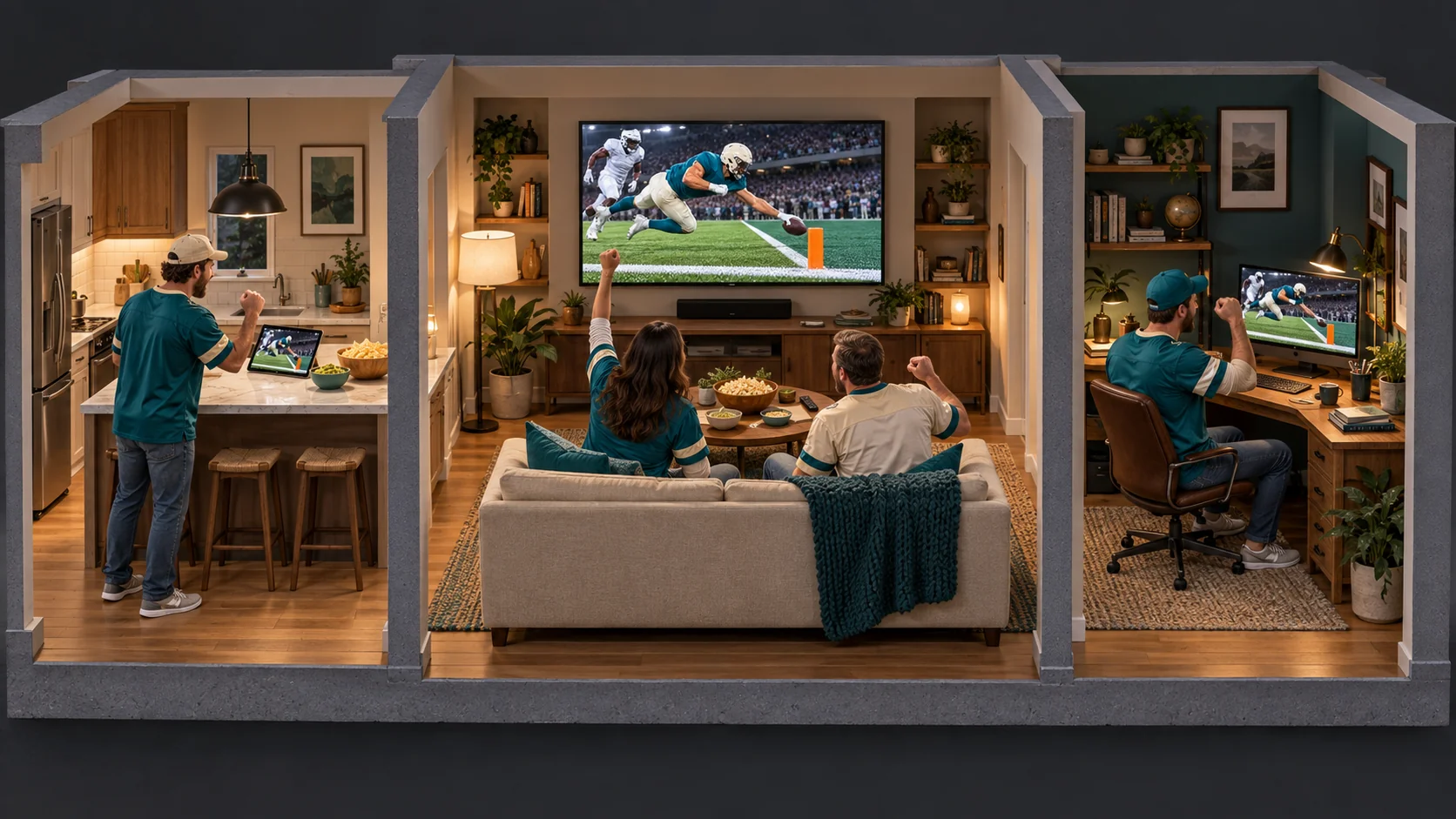
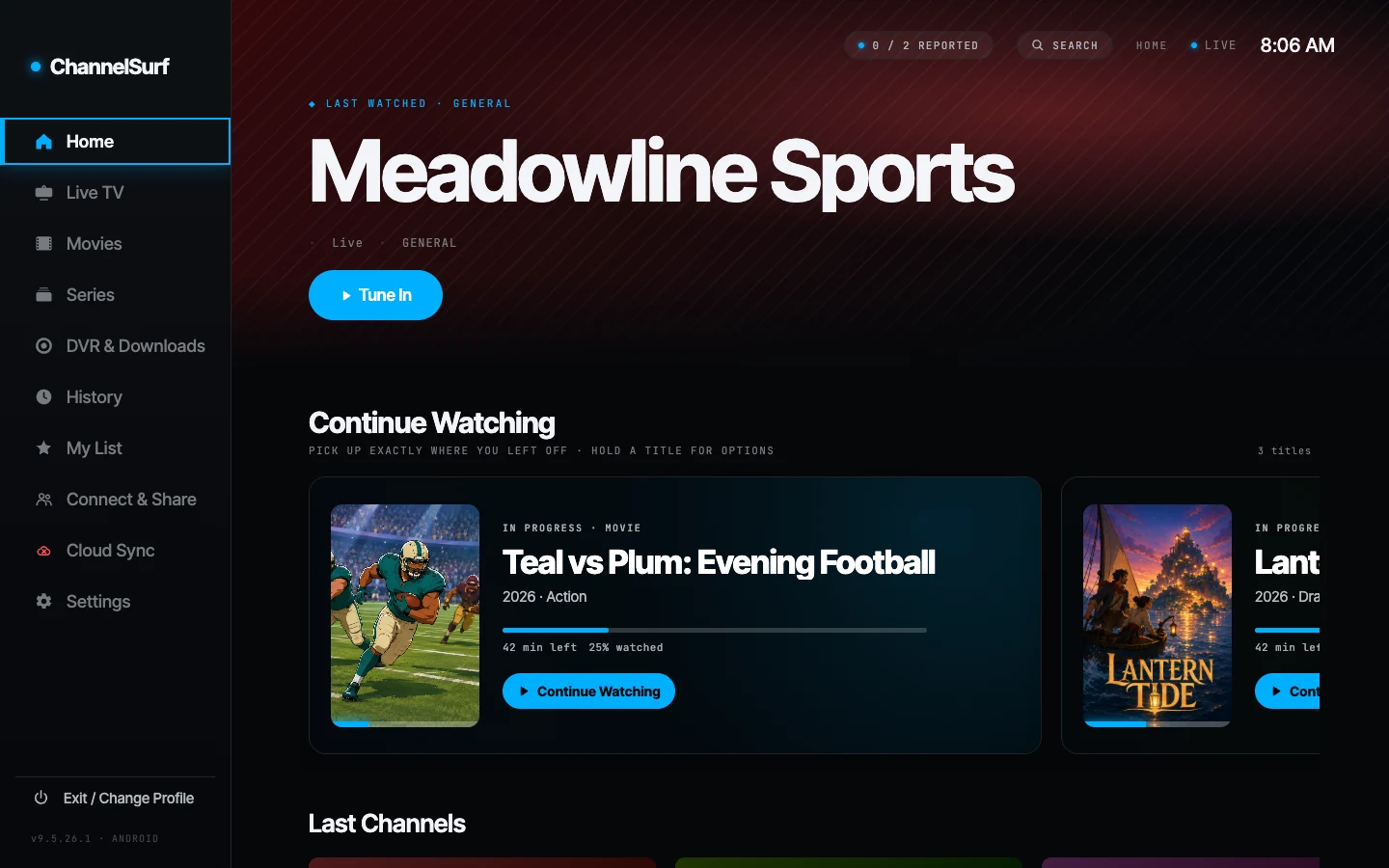
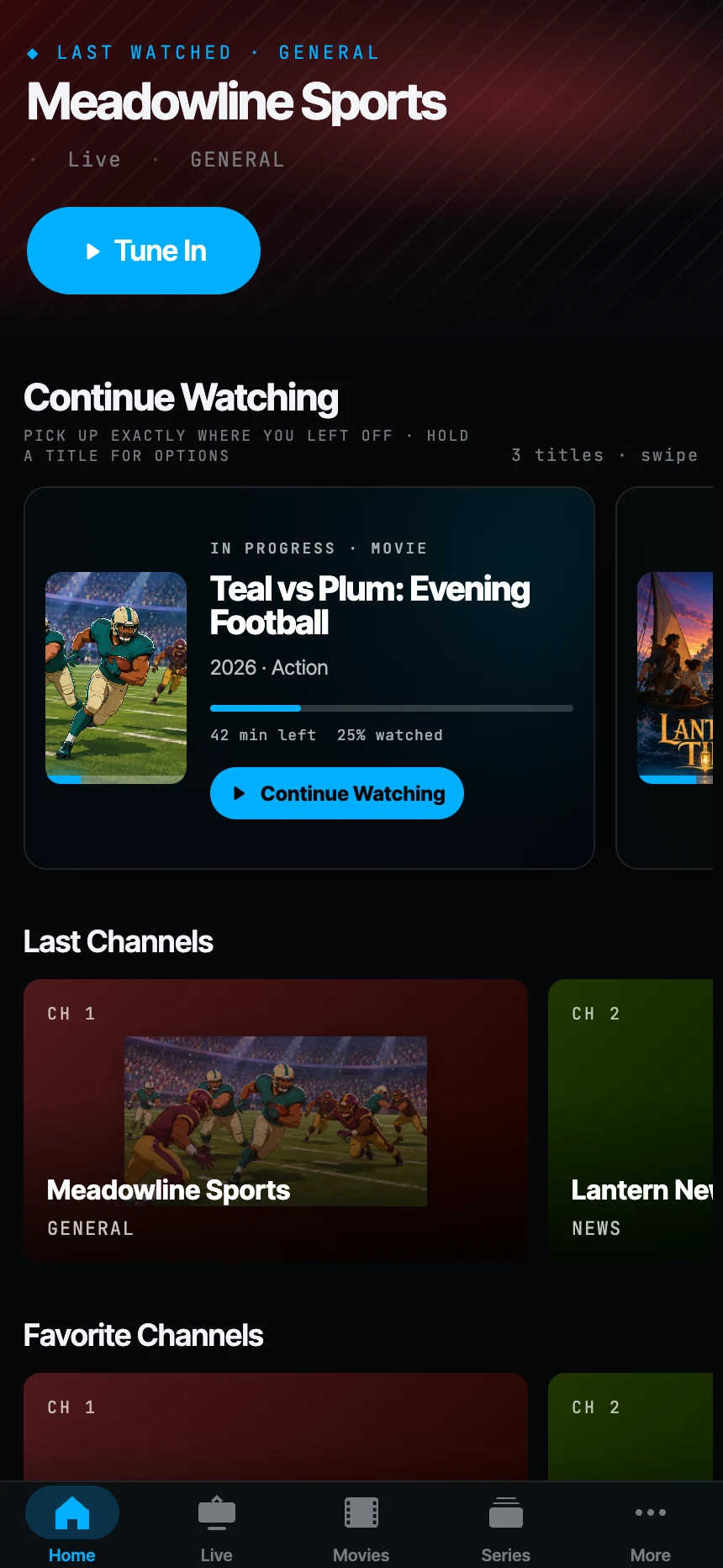
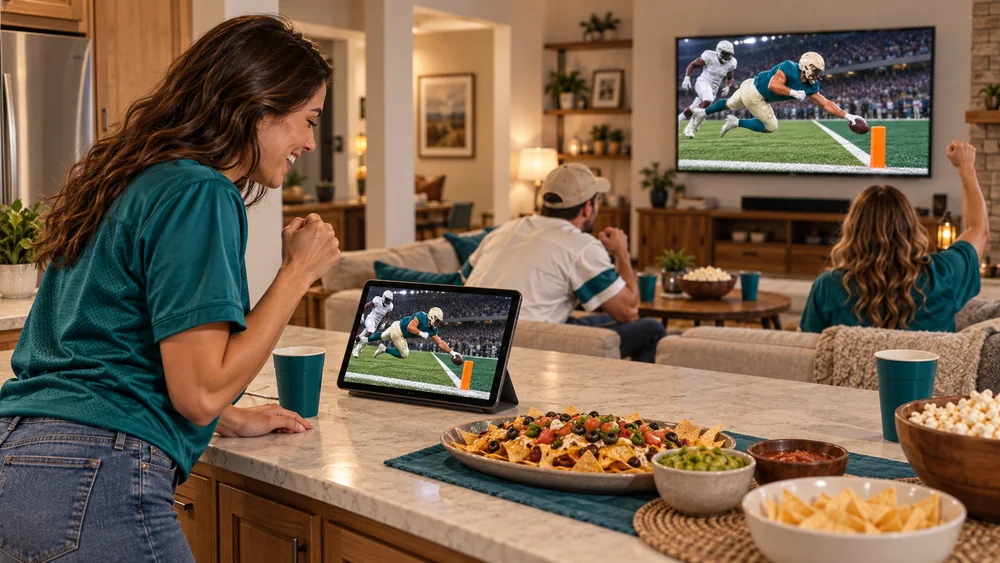
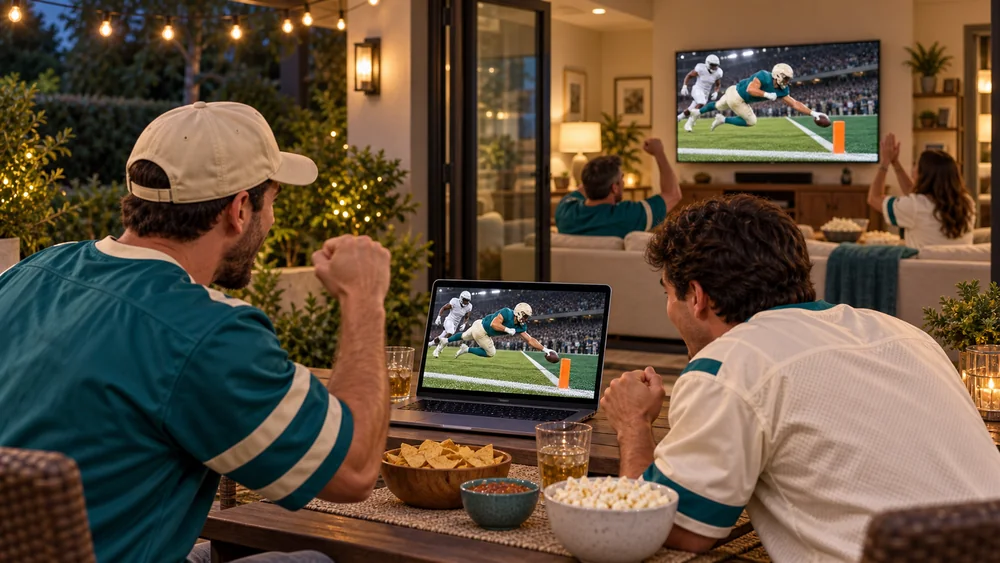
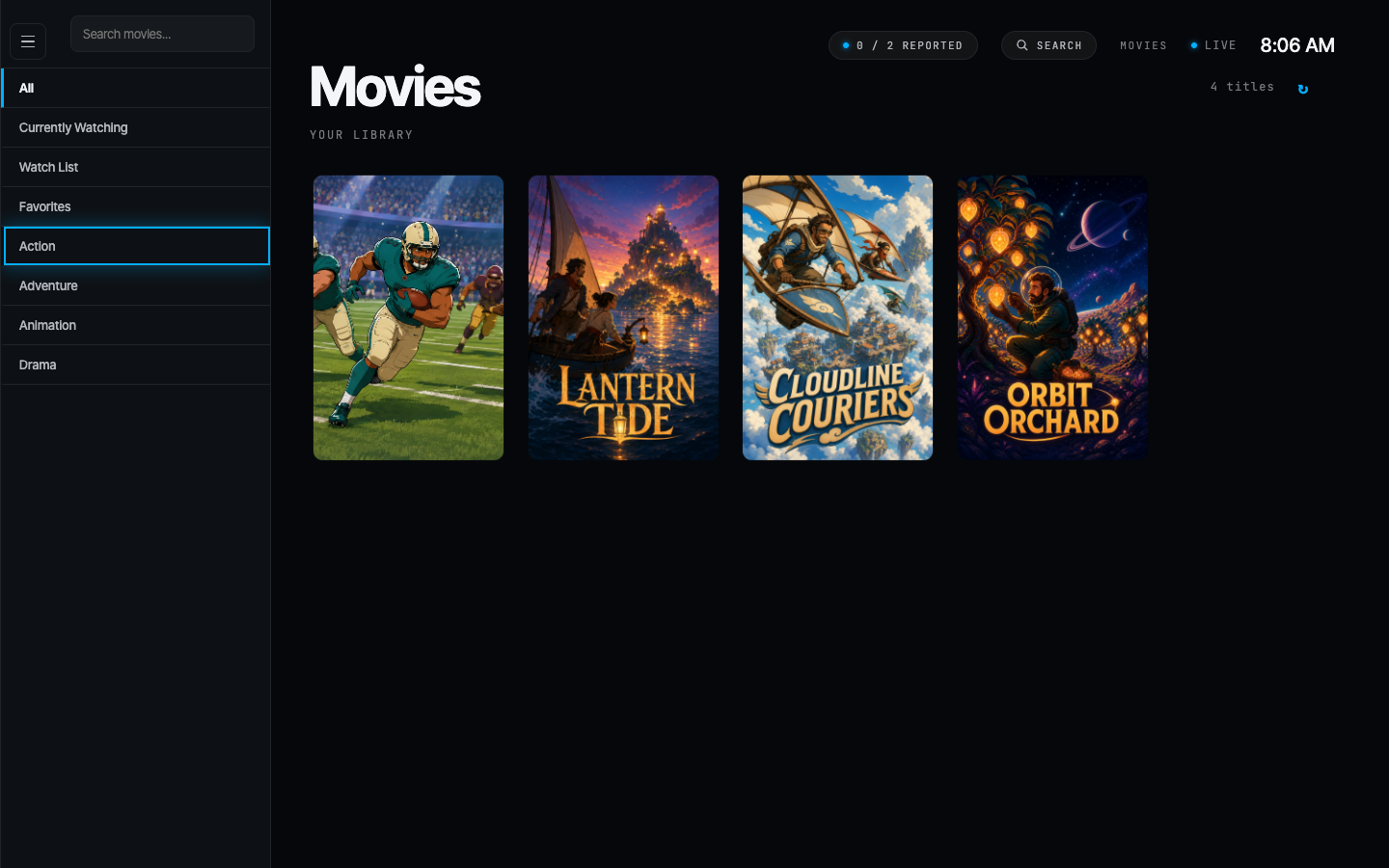
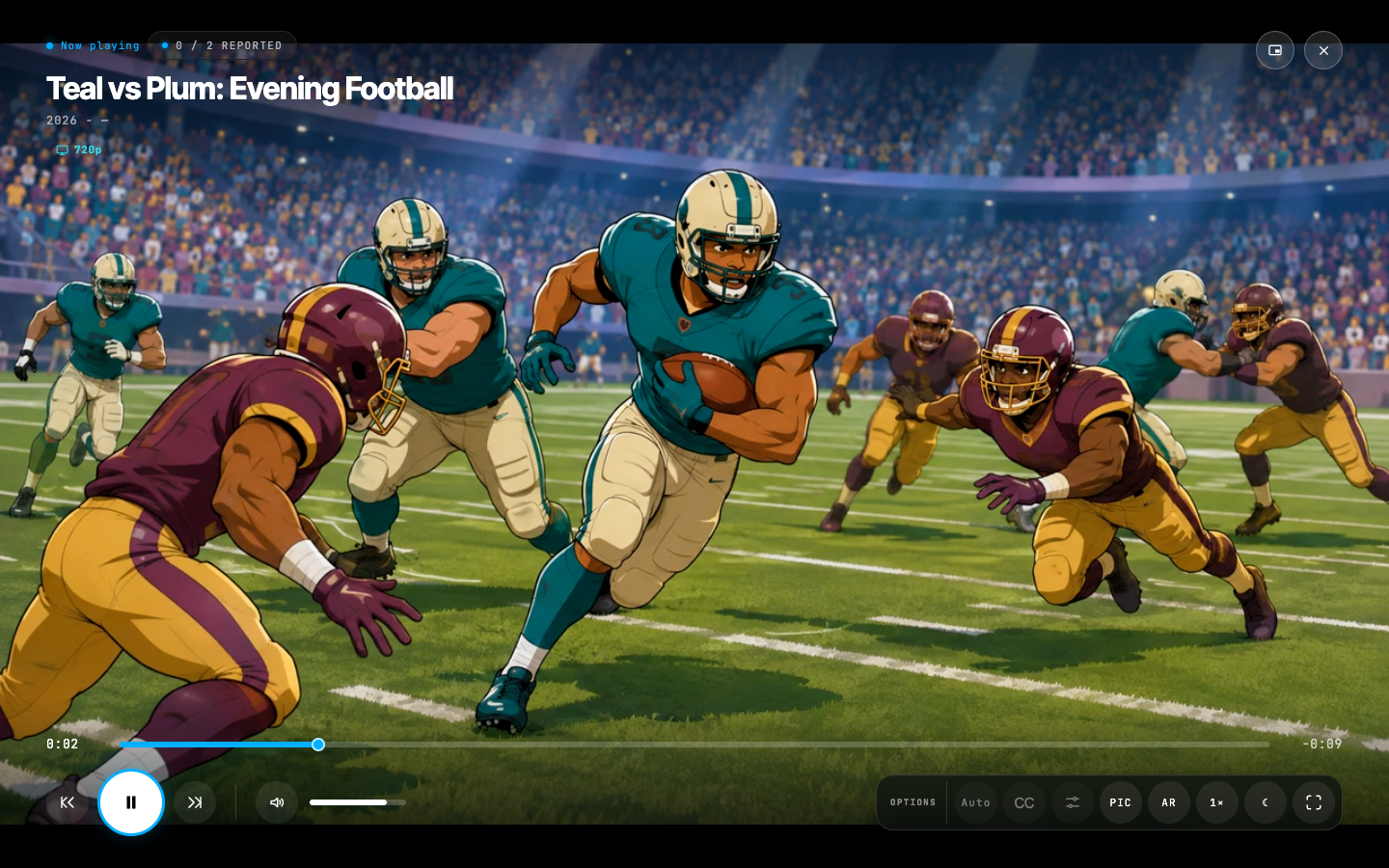
Illustrative scenes with fictional demo programming.
Home Streaming at home and joining a Watch Party are free. Premium adds Mirror and Watch Party hosting. Desktop host required; sync varies with your setup.
Home Streaming · Away from home Beta
Your home TV. Out in the world.
Catch the game on your phone. Let your home desktop turn a big stream into a smaller one—or just the audio—so you can use less mobile data.
Your desktop does the work.Your provider or supported network antenna.
··························→↗Encrypted to your phone
WHEREVER YOU ARE
▤
Watch lighter.Data Saver · 720p
~0.9GB / hour
Just listen.Hosted Audio Only
~0.07GB / hour
Sports on your lunch break. News on your morning walk.
Illustrative connection flow. Data estimates vary by stream and network.
Premium · Beta · Keep your Windows or Mac host awake and online. Through the secure relay, quality is capped at Data Saver. Audio savings require a hosted audio stream.
One shared profile. All your favorites.
Different screen. Right where you left off.
Your favorites, Watch Later, viewing progress, history, and recent channels follow you across devices paired to your profile.
Your library comes along.Favorites · Watch Later · Progress
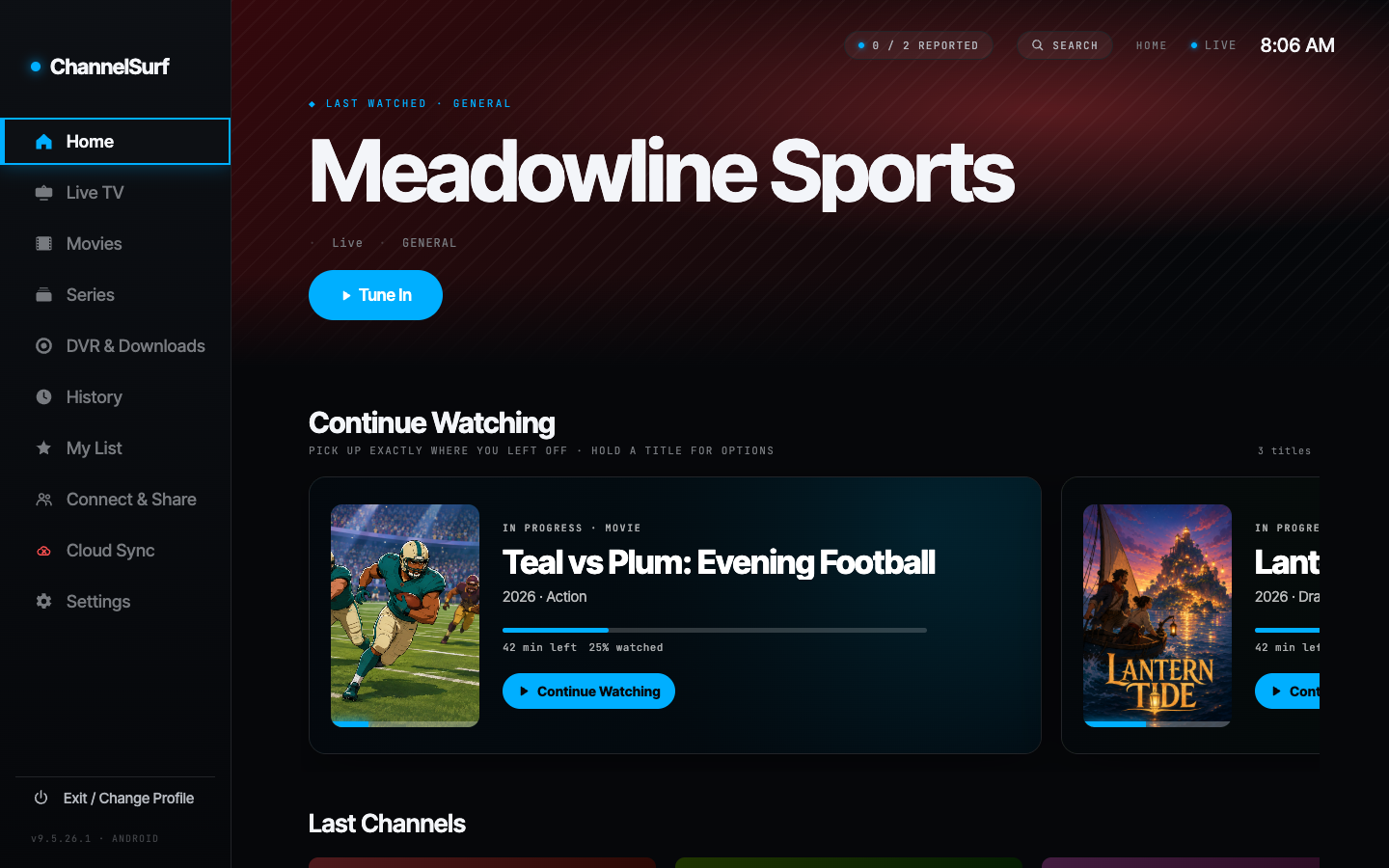
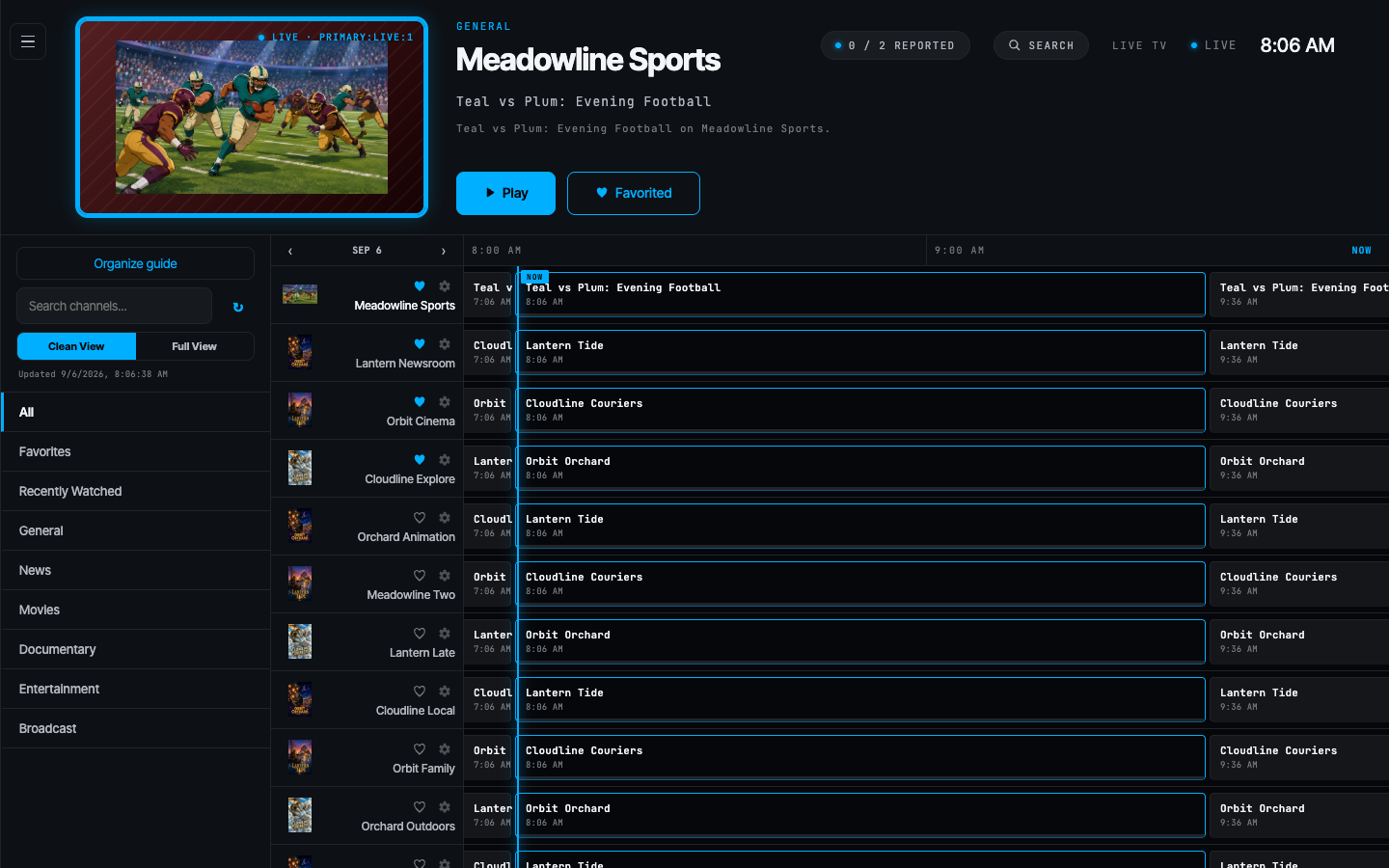
Actual app captures with fictional demo programming.
Cloud Sync requires Premium and devices paired to the same profile. Provider logins stay local to each device.
01 / 03 · Watch togetherChoose a story. Explore at your pace.
More ways to make it yours
A little more possibility. Every time you press play.
From a better picture to a guide that makes sense to you. The details make the difference.
SD↗AI
PICTURE QUALITY
Give your picture a lift.
Upscaling sharpens live TV in real time to fit your screen. On Apple silicon Macs, ChannelSurf uses Apple’s on-device AI Super Resolution for SD and 720p channels and MetalFX upscaling for full 1080p, so HD sports and news look crisp on a Retina display.
Mac upscaling requires an Apple silicon Mac with macOS 26 or later and the Apple native player, and applies to SDR video. Availability on other devices depends on hardware, operating system, and playback mode. Results vary by source.
THE BIG GAME
THE OTHER BIG GAME
⇄
DESKTOP PICTURE IN PICTURE
Two games. No hard choice.
Keep a second live channel in view, swap it into the main picture, and choose what you hear. Or go bigger with four-channel Multiview.
Free on supported desktops. Illustrated layout.
SPORTS
NEWS
MY FAVORITES
YOUR CUSTOM GUIDE
Less scrolling. More you.
Bring multiple providers into one profile. Use the paired dashboard to organize categories, order channels, and build a guide around what you watch.
A compatible Windows or Mac home host is required for Home Streaming. Features vary by plan. Sync performance depends on your connection. Compare plans.
ChannelSurf is a player, not a content service. Bring your own IPTV provider.
Inside ChannelSurf
Your app. Up close.
Actual app captures with fictional demo programming. Select an image to view it full size.
HomeLive guideMovie libraryPlayback
Your providers together
Add one service or combine several in the same profile. ChannelSurf keeps each device’s logins local and uses subtle color cues when more than one provider is connected.
Keep a capable free player on each screen. Pair a shared profile to bring favorites, Watch Later, and viewing progress along with you.
Organize movie and series categories into saved playlists with visibility, names, ordering, and a profile default. Manage them in the app or paired dashboard; each device can follow the profile default or choose its own playlist.
Move playback
Pick another paired screen and continue there. Each device needs access to your provider. Available playback and casting options depend on the device.
Watch together at home or away
Use a supported Windows or Mac desktop as your home host for Home Streaming and connected viewing. Keep it awake and online. Connected features are part of Premium or an active trial.
Choose lower Home Streaming quality or Audio Only to reduce data use.
Know what your screen can do
Phone, TV, and desktop capabilities differ. Check platform availability and the Free/Premium comparison before choosing your setup.
Watch together, without constantly fixing the timing.
ChannelSurf monitors playback across the group and continually corrects drift
as conditions change. It is designed to keep screens closely aligned whether
they are across your home or across the internet.
Synchronization performance varies with network quality, source stability,
host performance, and the hardware on each screen.
DIFFERENT HOMES. ONE WATCH PARTY.● Live together
Your place HOST
↔
Their place GUEST
J
Jamie What a play! 🙌
Illustrative Watch Party layout with fictional demo programming and chat.
Together at home Home Streaming free
With Home Streaming, phones, tablets, and TVs on your Wi-Fi play through your desktop host. Premium adds Mirror, which plays the same thing in sync on several screens, started from one place.
Together anywhere Host with Premium
Host a party and admitted friends join free with a 6-letter code, in the ChannelSurf app or at channelsurfplayer.com/party. Live chat and reactions are included.
↝
Automatic correction
ChannelSurf keeps checking group timing and makes measured playback adjustments when a screen starts to drift, without asking everyone to pause and seek by hand.
Watch Party hosting and in-home Mirror require a ChannelSurf desktop host. Internet guests connect directly to that host; chat and reactions are live-only and are not stored.
Free. Really free.
The full player is free
No ads, no tracking, and no locked viewing basics. Premium adds connected, hosted, and whole-home tools on top.
Live TV, guide & catch-up
Fast channel surfing, a full program guide, provider-supported catch-up, unified search, and smart guide cleanup.
Movies, series & Up Next
Rich detail pages, trailers, season tracking, profiles, favorites, Watch Later, and a polished Up Next and recommendations screen when a movie or episode finishes.
Take movies & episodes offline
Ask your home desktop to prepare a compatible copy, then watch without a network connection on supported phones and tablets. Download an episode, a season, or the series catalog your provider currently returns—or keep a household copy beside DVR.
Send it to another screen
Transfer playback, cast to supported TVs, use Home Streaming at home, join Watch Parties, and use your phone as a companion remote.
Set it once. Get reminded on your phone.
Choose an upcoming program from the guide on any connected ChannelSurf client. After a notification-enabled phone syncs, it schedules an alert five minutes before airtime.
Desktop power tools
Watch up to four live channels in Multiview, pop streams into separate windows, and integrate a supported network antenna.
Two-stream Picture in Picture
On supported desktops, watch two live channels, drag or snap the inset, click to swap instantly, and hover or lock audio focus—all free.
One profile, multiple providers
Combine Xtream Codes, M3U/M3U8, and Stalker/MAG services in one catalog. Subtle provider colors keep movies, series, Live TV, PiP, and Multiview easy to distinguish.
Offline preparation requires a paired ChannelSurf desktop host and provider-authorized movie or episode access. Device-local downloads are supported on iPhone, iPad, Android phones, and Android tablets; desktop, TV, and browser clients can use host-library copies. Codec, HDR, surround-audio, casting, Picture in Picture, antenna, and Multiview support depend on the device, operating system, and source stream.
Plan before you press play
See what an hour of streaming may use
ChannelSurf shows estimated gigabytes per hour beside its quality choices. For Home Streaming,
your desktop re-encodes your own stream to the selected resolution and bitrate before it is encrypted.
If the secure relay is needed, it only forwards that encrypted result.
Baseline SDR estimates for one viewer
Quality
Resolution
Whole-stream bitrate
Estimated data per hour
Mobile Low
360p30
0.60–0.70 Mbps
0.27–0.32 GB
Mobile
480p30
1.05–1.20 Mbps
0.47–0.54 GB
Data Saver
720p30
1.80–2.00 Mbps
0.81–0.90 GB
Low
720p30
2.00–4.00 Mbps
0.90–1.80 GB
Smooth
1080p60
8.00–10.00 Mbps
3.60–4.50 GB
Standard
1080p60
8.00–12.00 Mbps
3.60–5.40 GB
High
1080p60
12.00–20.00 Mbps
5.40–9.00 GB
Maximum / 4K
Source
Source rate varies
Source-dependent
Secure relay: viewing through the relay is currently capped at Data Saver; faster direct and home connections can offer higher tiers.
Audio Only: when ChannelSurf can create a hosted audio rendition, it uses about 0.06–0.07 GB per hour. Simply hiding video during direct provider playback may not reduce downloaded data.
Estimates use decimal gigabytes and cover one stream. HDR can use about 20% more, and simultaneous viewers multiply usage.
Actual carrier totals can differ because of network overhead, source behavior, and other device traffic.
ChannelSurf Premium $14.99 / year
One subscription. Every device you own.
Premium adds the connected tools that turn a great player into a whole-home
system. Subscribe on the web, then use a simple email code to unlock Premium
on every supported ChannelSurf app.
Cloud Sync
Favorites, watch history, Watch Later, resume positions, and program reminders follow you across supported devices. Pause on one screen and pick up on another.
Watch Party hosting & Mirror
Host a Watch Party for internet guests, who join free in the app or a browser. At home, Mirror plays the same thing in sync on several screens. ChannelSurf continually corrects drift for both.
DVR
Record live TV on your desktop host, schedule programs and whole series, pause and rewind live playback, and watch recordings around your home.
Home Streaming away from home Beta
Your home desktop becomes your personal cloud for Live TV, Movies, Series, DVR, Antenna, and Audio Only. Choose a quality with an hourly data estimate; direct connections or an encrypted forwarding relay cover different home-network setups.
✓ Signed desktop installers✓ Mac build notarized by Apple✓ Mobile builds delivered by Apple and Google
Testing another device?
Leave your email and we’ll send one message when another ChannelSurf platform or testing opportunity is ready—no newsletter or spam.
Microsoft Store Coming soonLG webOS TVs Coming soonSamsung TVs Planned
The iPhone, iPad, and Android apps are test builds while store review completes and may contain bugs. One Premium account works across supported ChannelSurf apps.
Questions
Frequently asked
Does ChannelSurf include any channels or content?
No. ChannelSurf is a media player only — it does not include, host, sell, or promote any channels, streams, or content. You connect an IPTV service you already subscribe to (via Xtream Codes, an M3U playlist, or a Stalker portal), and the app plays it beautifully. You are responsible for the service you connect.
Can one profile use more than one IPTV service?
Yes. Add multiple Xtream Codes, M3U/M3U8, or Stalker/MAG services to one profile and browse their live channels, movies, and series together. Subtle colors identify each provider only when the profile has more than one. Every device logs into each service separately, so provider URLs and credentials stay local rather than being included in Cloud Sync.
Is the app really free?
Yes. Live TV, guide and catch-up, movies and series, home-host-prepared offline downloads, local profiles and history, program reminders on supported phones, casting and Transfer, Home Streaming at home, Watch Party joining, companion remote, desktop Multiview, and supported two-stream desktop Picture in Picture are free with no ads or tracking. Premium ($14.99/year) adds Cloud Sync—including syncing reminders across connected devices—plus internet Watch Party hosting, Mirror, DVR, and Home Streaming away from home.
How do offline movie and series downloads work?
Choose Download from a movie or series page while connected to your paired home desktop. The desktop prepares a broadly compatible copy at your selected quality. Supported phones and tablets transfer it into app-private storage for playback with no network connection; desktop, TV, and browser clients can keep and play a household copy from DVR & Downloads. Availability depends on the content access provided by your IPTV service.
How closely will Watch Party screens stay aligned?
ChannelSurf continually monitors timing and corrects drift on both local-network and internet Watch Parties. Results vary with Wi-Fi and internet stability, the source stream, host upload and processing capacity, and each guest device, so we do not promise a fixed delay or identical results in every setup.
How does the free trial work?
You get 14 days of full Premium with just your email — no payment details required. One trial per email. If you don't subscribe, the app simply returns to the free tier; nothing is charged.
I bought Premium on one device — how do I unlock the others?
Open Settings → Subscription on a supported ChannelSurf app, enter the email you purchased with, and type the one-time code we send you. Premium unlocks after the account is verified.
How do I cancel, and what about refunds?
Cancel a web subscription anytime from Settings → Subscription → Manage; you keep Premium until the end of the paid year. Web purchases come with a 14-day money-back guarantee — see our refund policy.
What are free Premium access events?
From time to time we automatically unlock selected Premium features for everyone. The app and website show a banner while an event is live. No payment is required, and using an event does not consume your 14-day personal trial.
 ChannelSurf